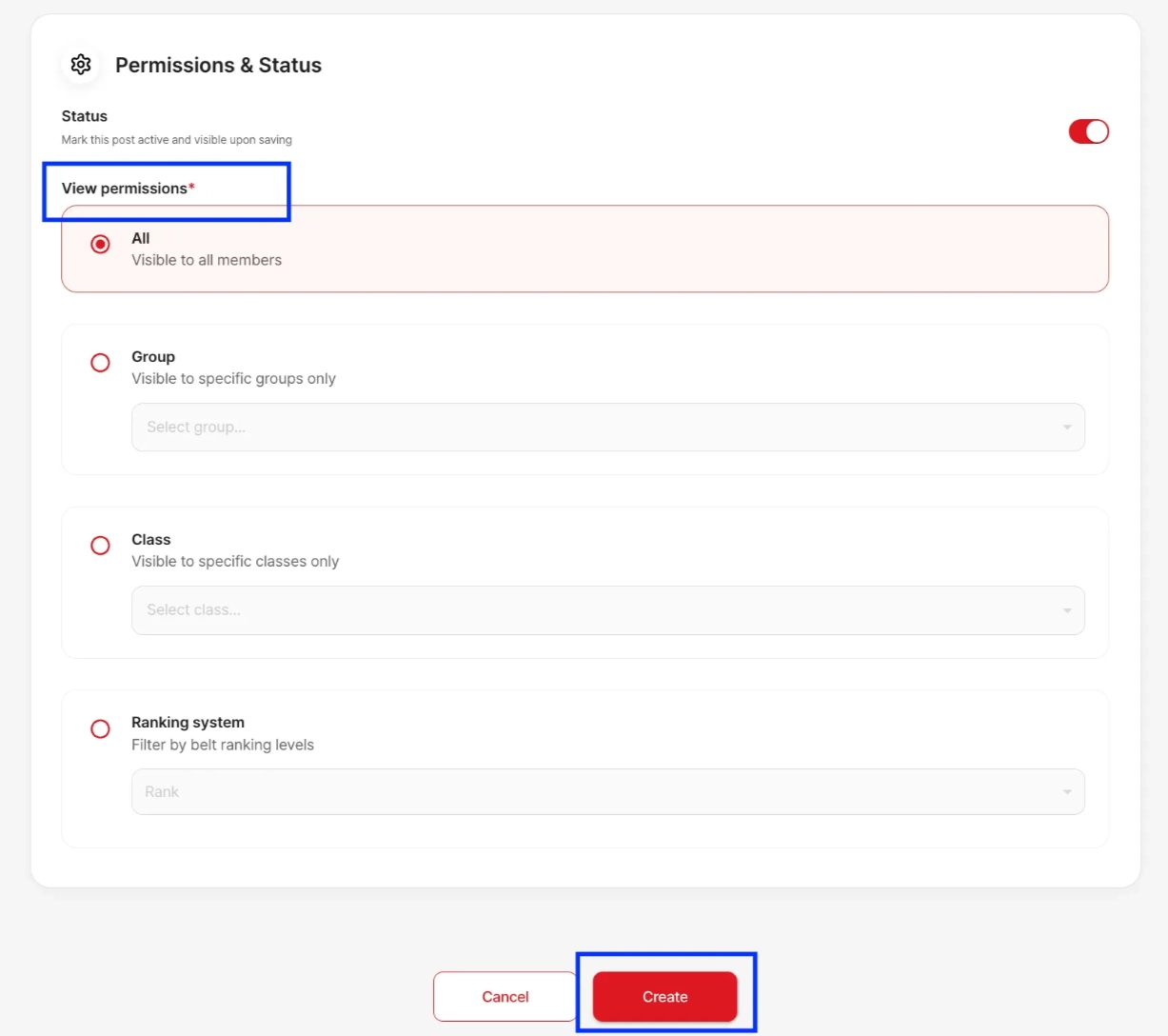
When uploading a video or creating a learning resource in the Learning Center, you can control who has access to it by using the View Permission settings.
You can assign permissions based on:
Specific student groups
Individual classes
Ranking systems
These options can be set under the View Permission section when adding or editing a learning material. This allows you to ensure that only the intended students can view the content.