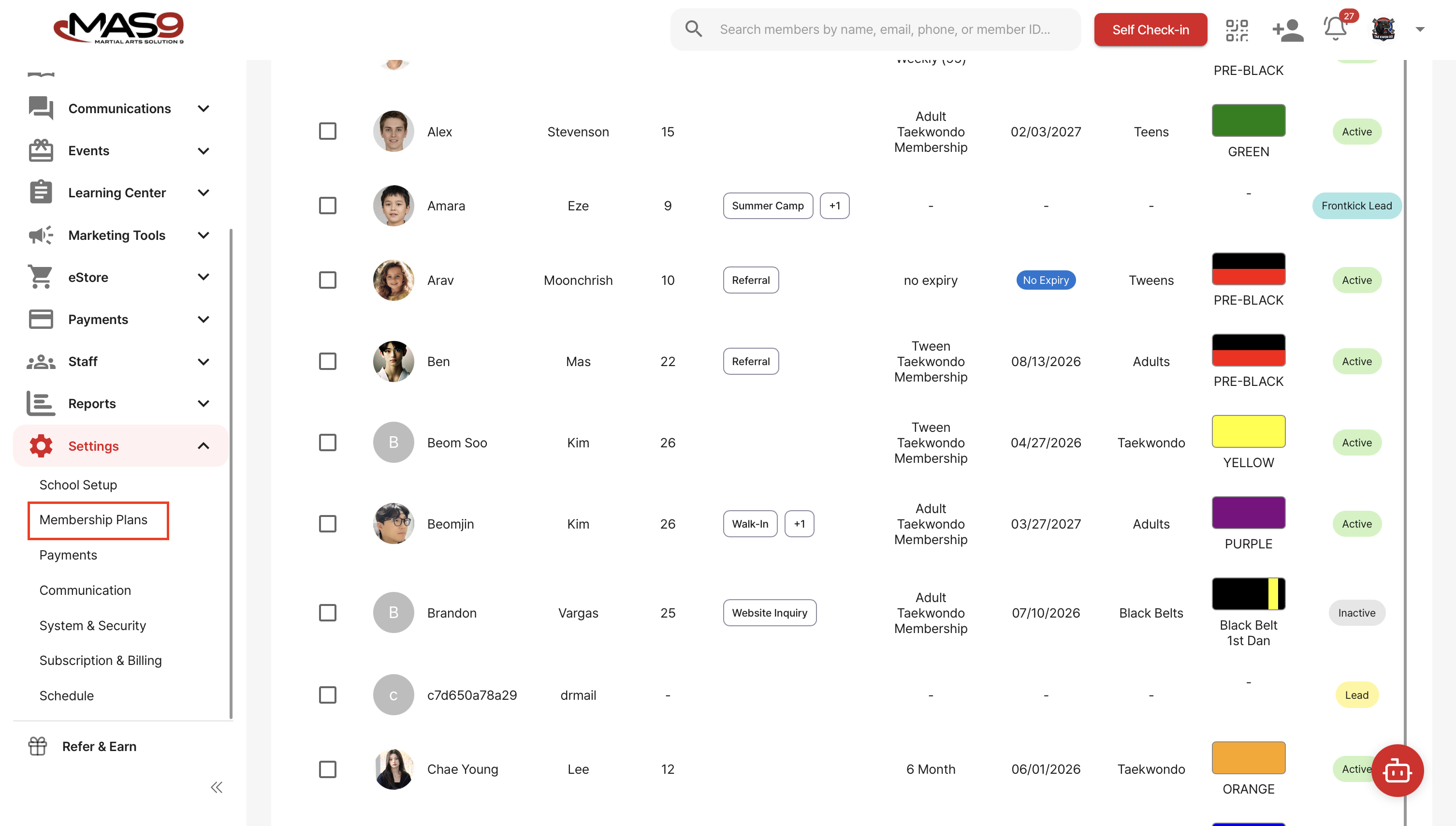
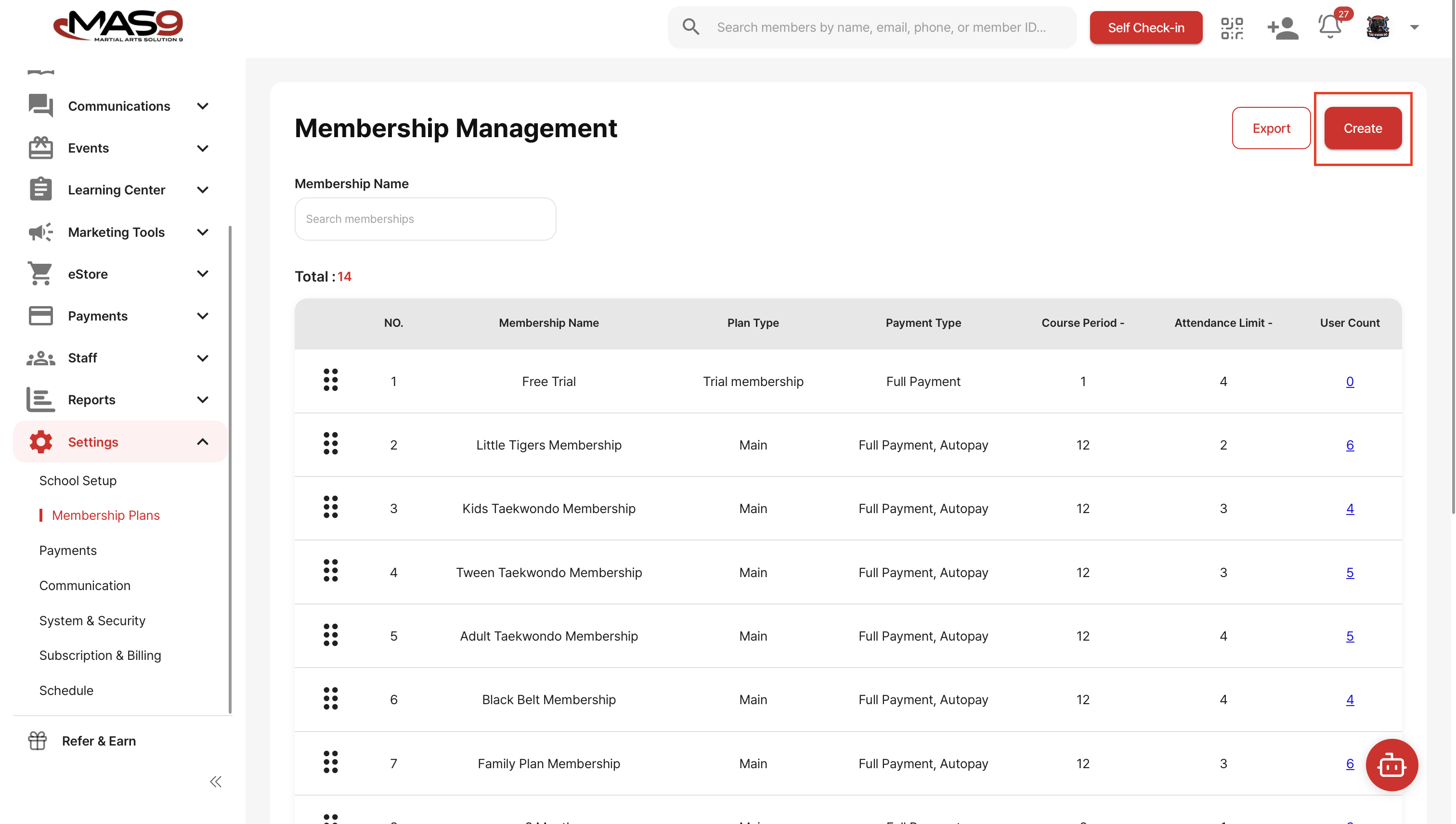
To create a new membership, follow these steps:
1. Go to Setting>Membership → Create
2. Select Membership type and create Membership name. Main Membership is for primary programs, while Add-on Membership is for additional programs like Demo Team.
3. Select the Membership term and set the weekly class limit.
4. Select Payment type and enter the Billing information.
5. If you have an agreement, you can add it in the Terms and Conditions section.
Once everything is filled out, click Register, then Confirm to finalize.