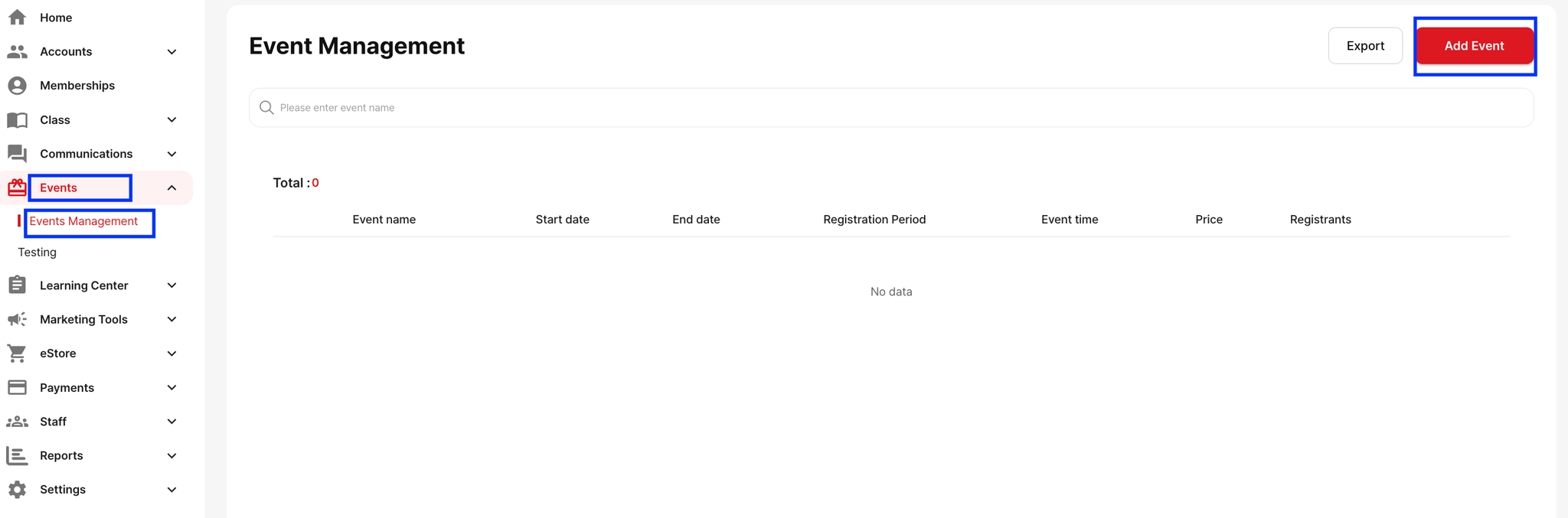
To create and open registration for an event:
Go to Event → Events Management
Click + Add Event
Enter all relevant event details (name, target, schedule, description, etc.)
Under the Target section, you can use Add Registration Survey to collect important information from participants before the event starts.
Once saved, your event will be available for registration.