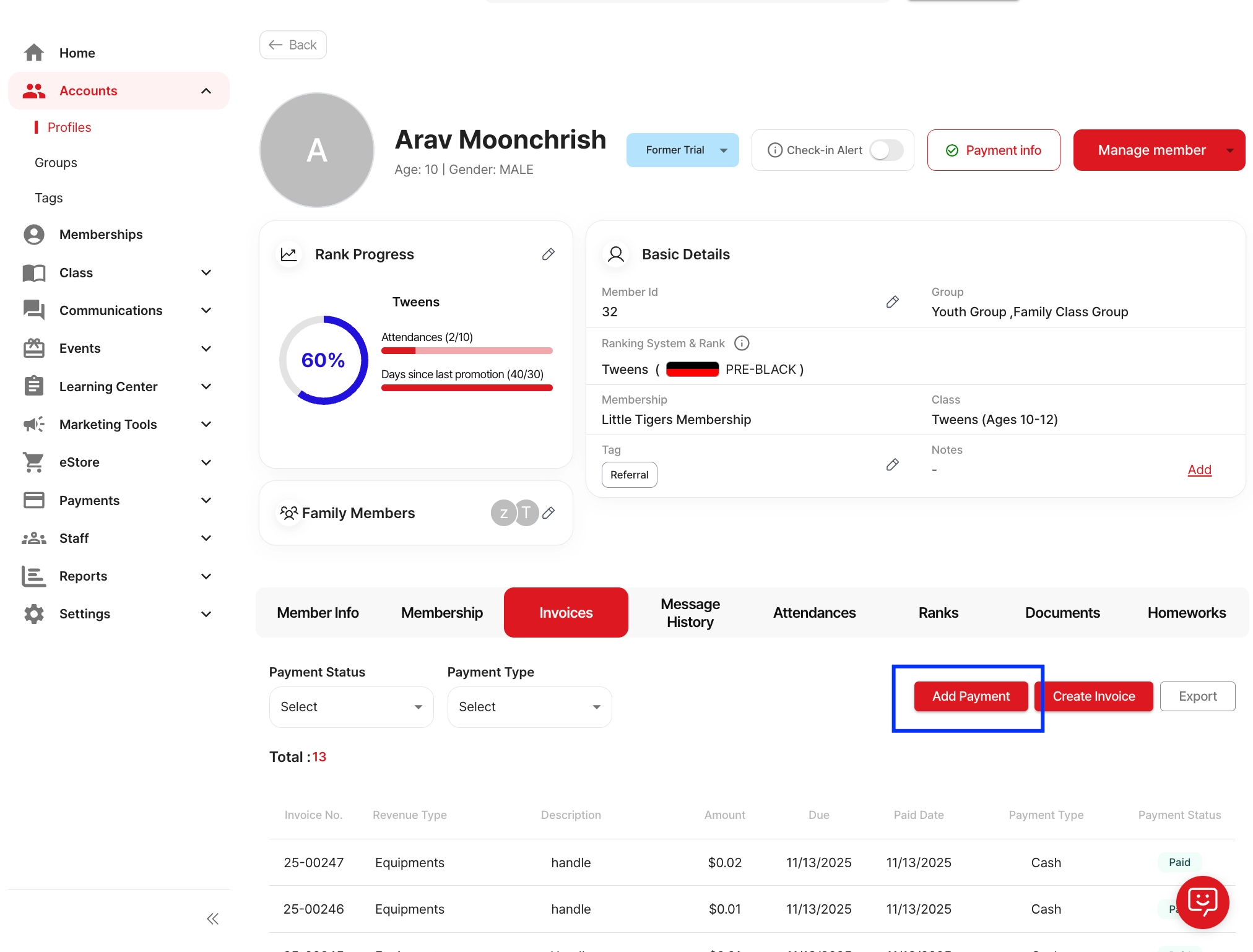
1. When using “Add Payment” - If you use Add Payment, the invoice is marked as Paid immediately.
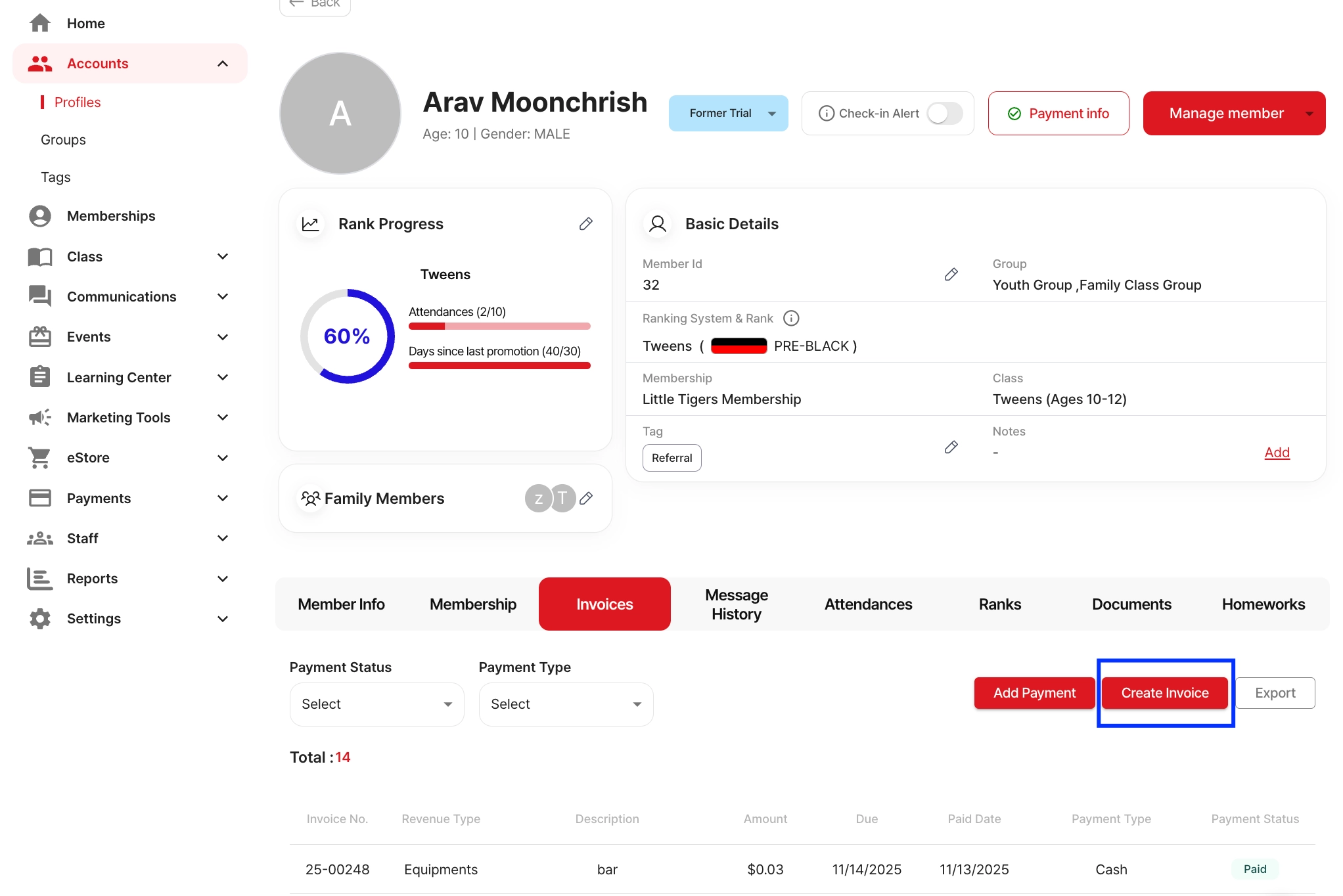
2. When using “Create Invoice” - If you use Create Invoice, the invoice is created as Pending.
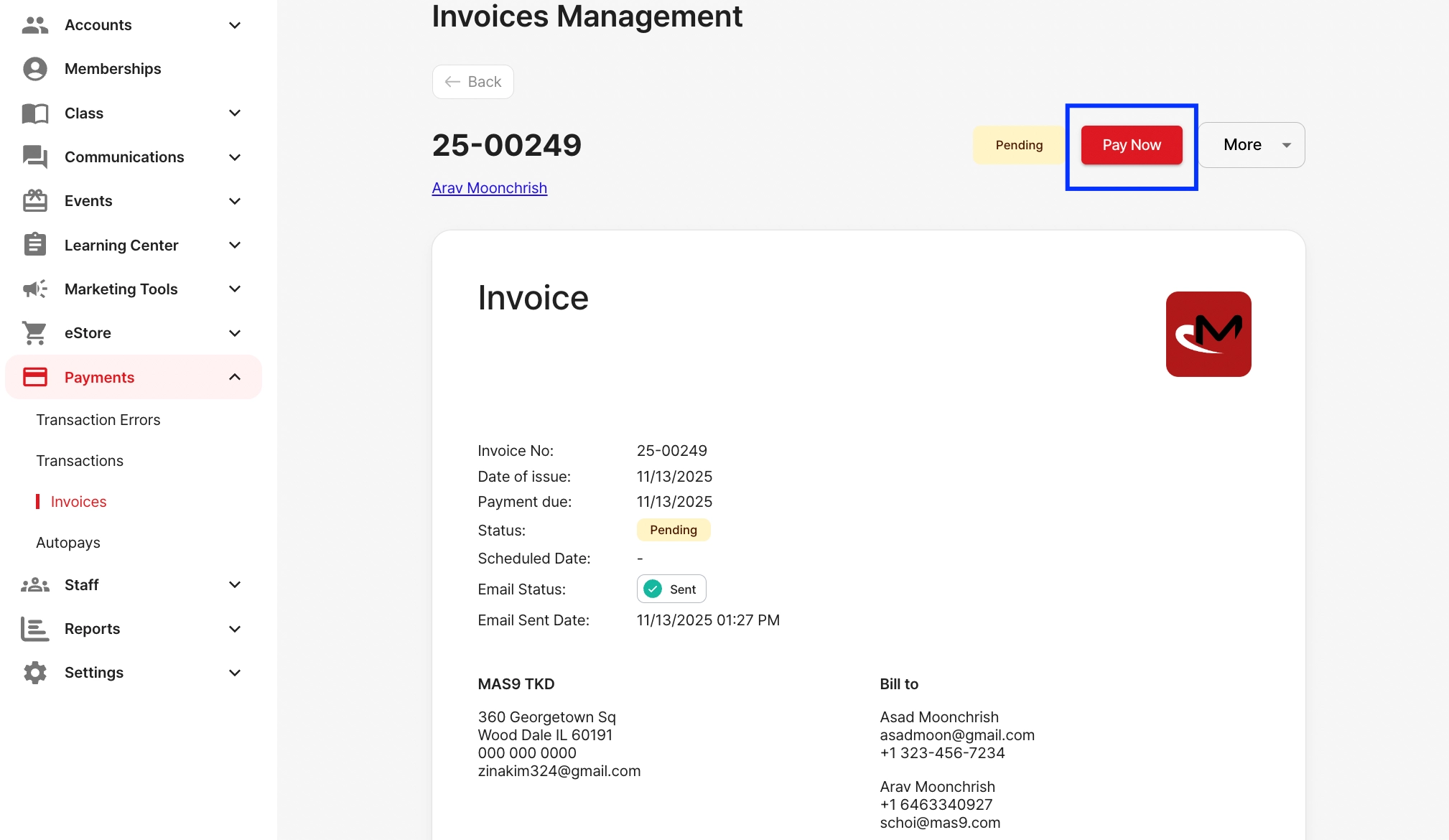
3. After the invoice is created and the member clicks “Pay Now”
However, when the member completes the payment through Pay Now, the system does NOT automatically send a receipt.
To send the payment confirmation email, you must manually click: Confirmed → Send receipt again → Send