To share a payment link with a non-member:
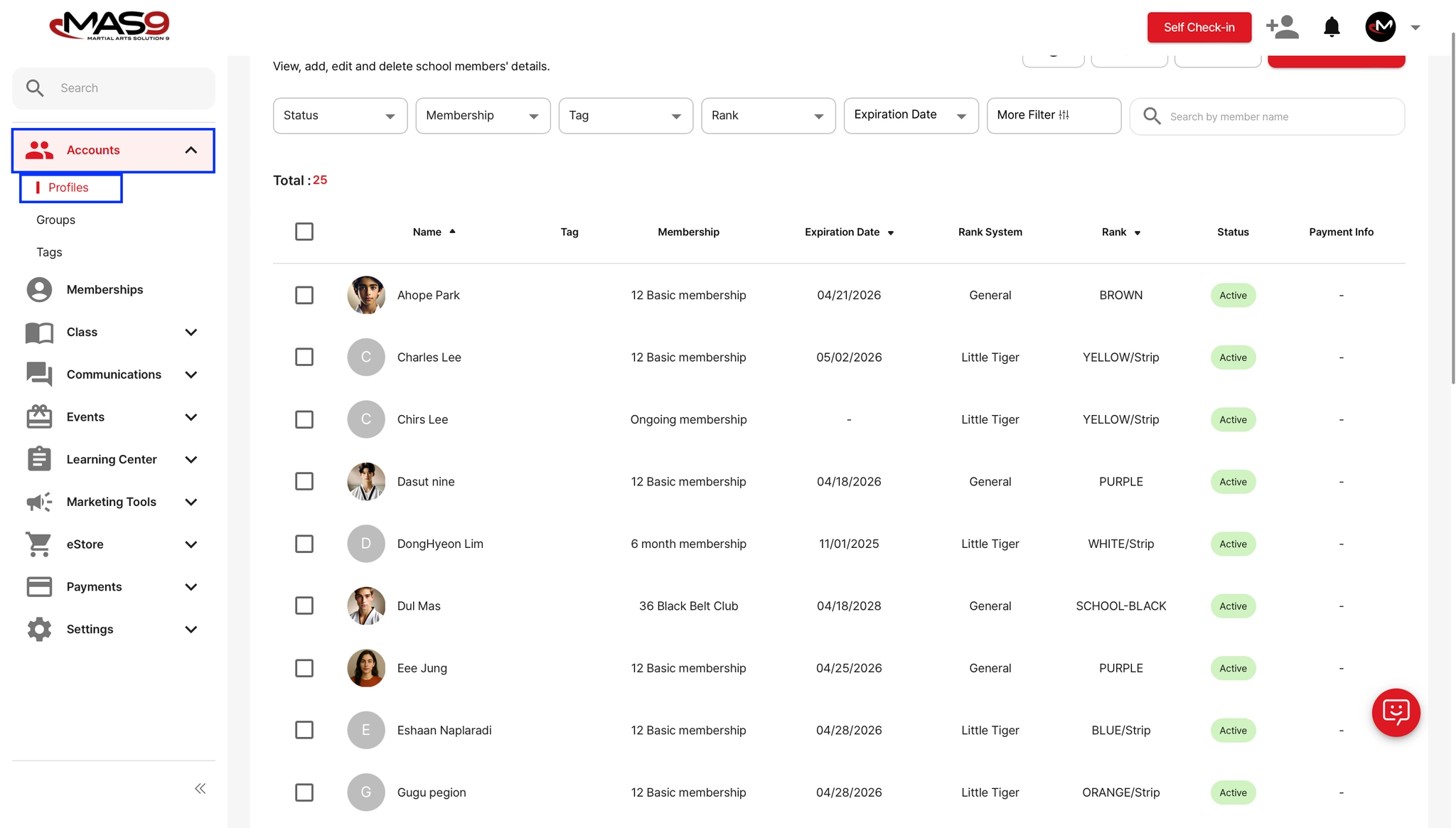
Go to Accounts → Profiles
Select the student you want to send the invoice to
Click on the Invoices tab
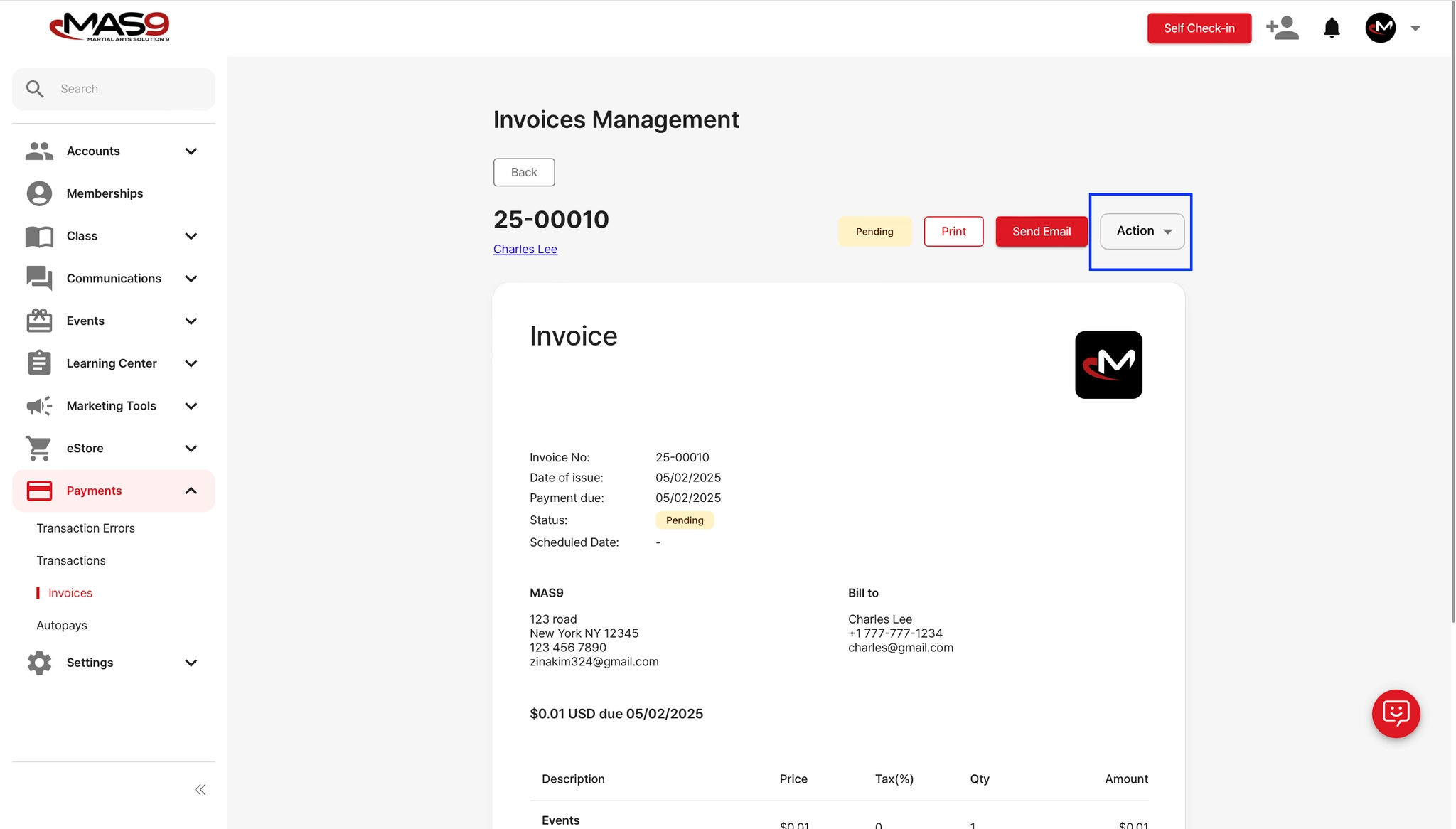
Choose one of the following: (Send Email or Action → Share Invoice Payment URL)
By using the payment URL, the recipient can complete the payment through a web browser without needing to log in or create an account.